
When you first connect a computer to a network (with a cable or via WiFi), you will often see this message slide in from the right:
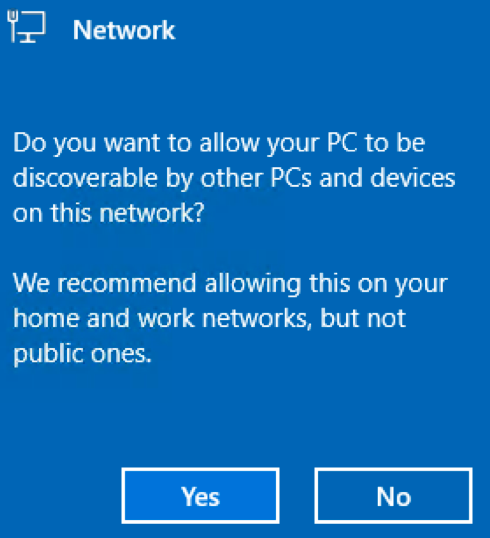
Most people will click No - worried that their information might be vulnerable. However, that's not really what this is describing. Instead, it enables some network discovery functionality, making it easier to find and install printers, media devices, and more.
So what do you recommend?
If you are connecting to your home network or a work network, you should click YES. If you are on a 'foreign' network like a hotel, coffee shop, friend's network, etc. or a network where you just need to get on the Internet, you should click NO!
Never Saw The Message?
If you never saw this message, then the system defaulted to NOT discoverable. But if you are at home or work and want to make printing and device discovery easier, you can do the following:
- Find your network icon near the Time/Date and right click on it.
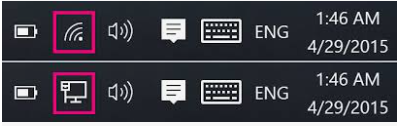
and select Network and Internet Settings - If the network icon says 'Public Network' underneath it:
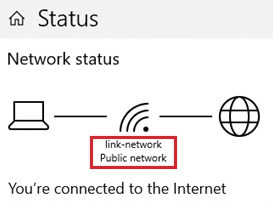
you're not in Private mode. If it already says Private Network - you're in Discoverable Mode - Click on the Properties button:
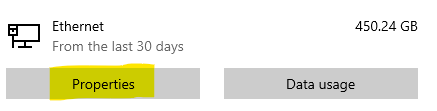
- Select the Private option. That's it - you're now in discoverable mode. If you have multiple printers on your network, the computer should automatically discover them if they are not already installed.
Comments
0 comments
Please sign in to leave a comment.